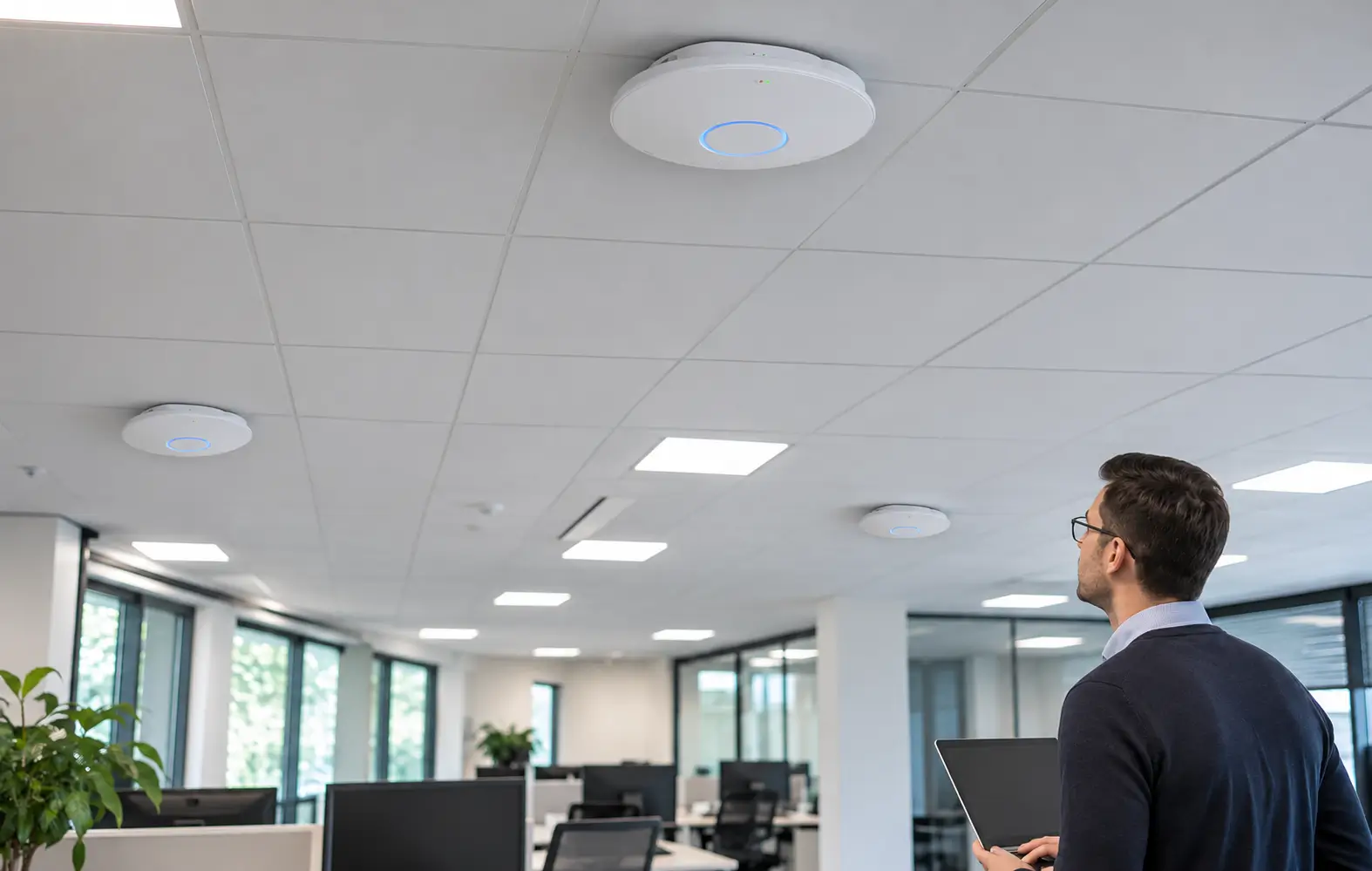
How many wireless access points does a venue need?
Work it out by density, not coverage. One modern access point can cover a large floor but only serve a limited number of active devices well, so the right number is set by users, not square metres. Here's how to size access points by venue type, band, channel plan, cabling and PoE budget.
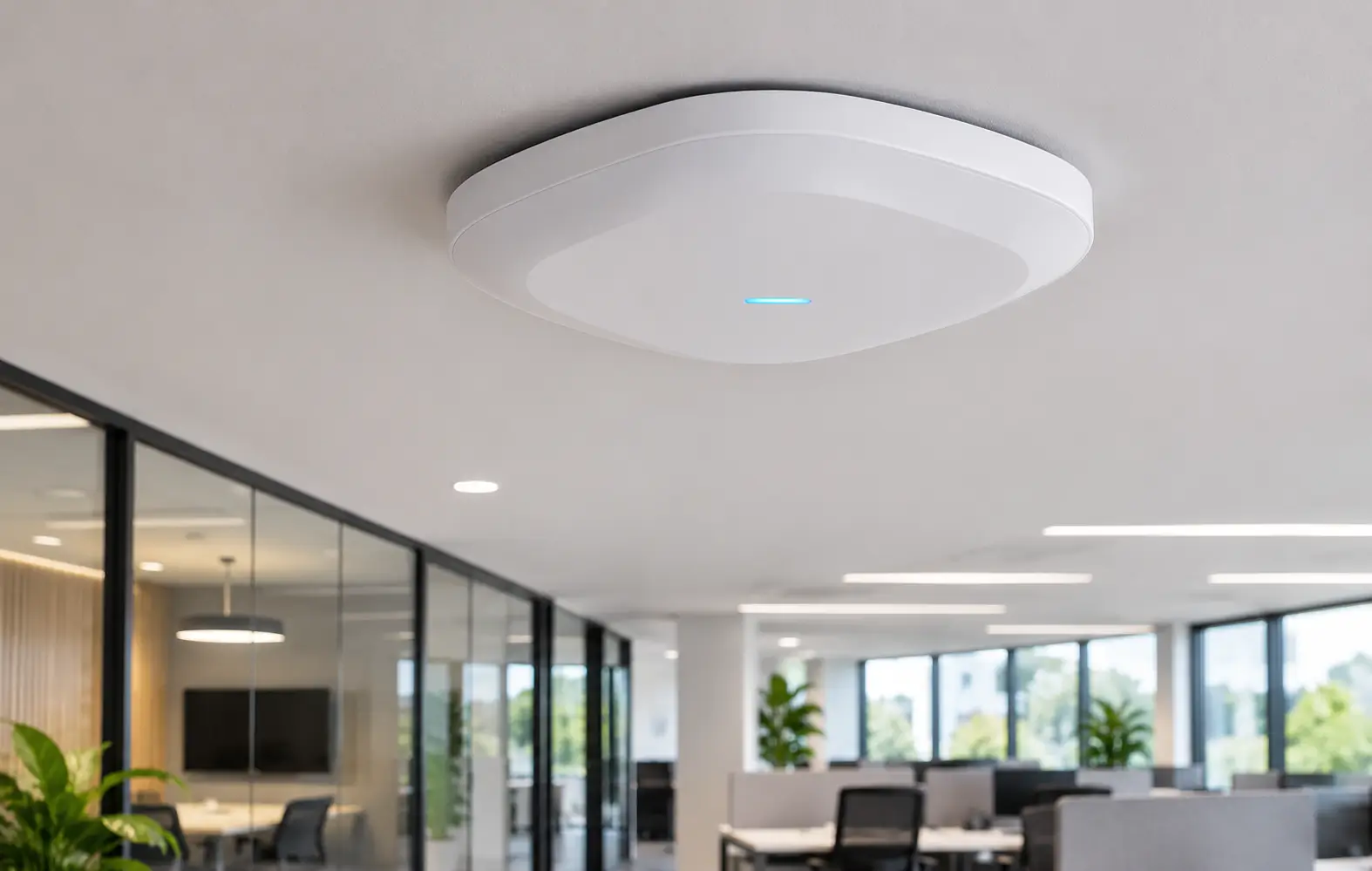
Work it out by density, not coverage.
A single modern access point can cover a large area but only serve a limited number of active devices well, so the right number is usually set by users, not square metres. As a rule, plan around 25 to 30 active devices per access point, then sanity-check the area. A busy hall needs many APs in a small space; a warehouse needs fewer but higher up.
Why density, not coverage, sets the number?
The most common design mistake is counting coverage: one access point shows full signal across the floor, so one looks like enough. But all the devices on that floor then share one radio, and performance collapses under load.
Capacity, the number of devices actually using the network at once, is what sets the count, and in busy spaces it demands far more access points than coverage alone would suggest. The Wi-Fi Alliance positions Wi-Fi 6 and 6E around exactly this problem: more capacity and efficiency in dense, busy environments.
Signal bar or working network?
Coverage gives you a signal bar; density gives you a working network.
In a full hall, the signal was never the problem, the shared capacity was. Every device connected to one access point shares that radio, so adding users without adding access points slows everyone down, even at full signal.
How many access points per venue type?
The table frames the answer as density: how many users one access point should serve, and the rough area it covers, by venue. The lower the users-per-AP target, the better the experience under load.
| Venue type | Users per AP (target) | Area per AP (guide) | Design driver |
|---|---|---|---|
| Open-plan office | 25 to 30 | 200 to 300 m² | Device density per desk |
| Warehouse | Low device count | Coverage led, mount high | Racking blocks signal |
| School hall / lecture | 40 to 50 (high density) | Small, multiple APs | Everyone connects at once |
| Hotel | Per room cluster | 1 AP per few rooms | Walls attenuate, per-room demand |
| Retail | Staff plus guest devices | 300 to 500 m² | Tills, scanners and guest Wi-Fi |
Density-led guides, not fixed rules. A wireless survey confirms counts and placement for the specific building.
How do the 2.4, 5 and 6 GHz bands change the design?
Access points broadcast on more than one frequency band, and each behaves differently, which affects how densely you can place them. The bands Wi-Fi can use without a licence in Ireland are set out in ComReg's list of licence exemptions.
| Band | Character | Role in a dense design |
|---|---|---|
| 2.4 GHz | Longer range, very congested, few channels | Legacy and range; limits how close APs can sit |
| 5 GHz | More channels, higher capacity, shorter range | The workhorse band for density |
| 6 GHz (Wi-Fi 6E) | Lots of clean spectrum, shortest range | Extra capacity where devices support it |
More channels mean APs can sit closer without interfering, which is what high-density design depends on.
Why channel planning matters as much as AP count
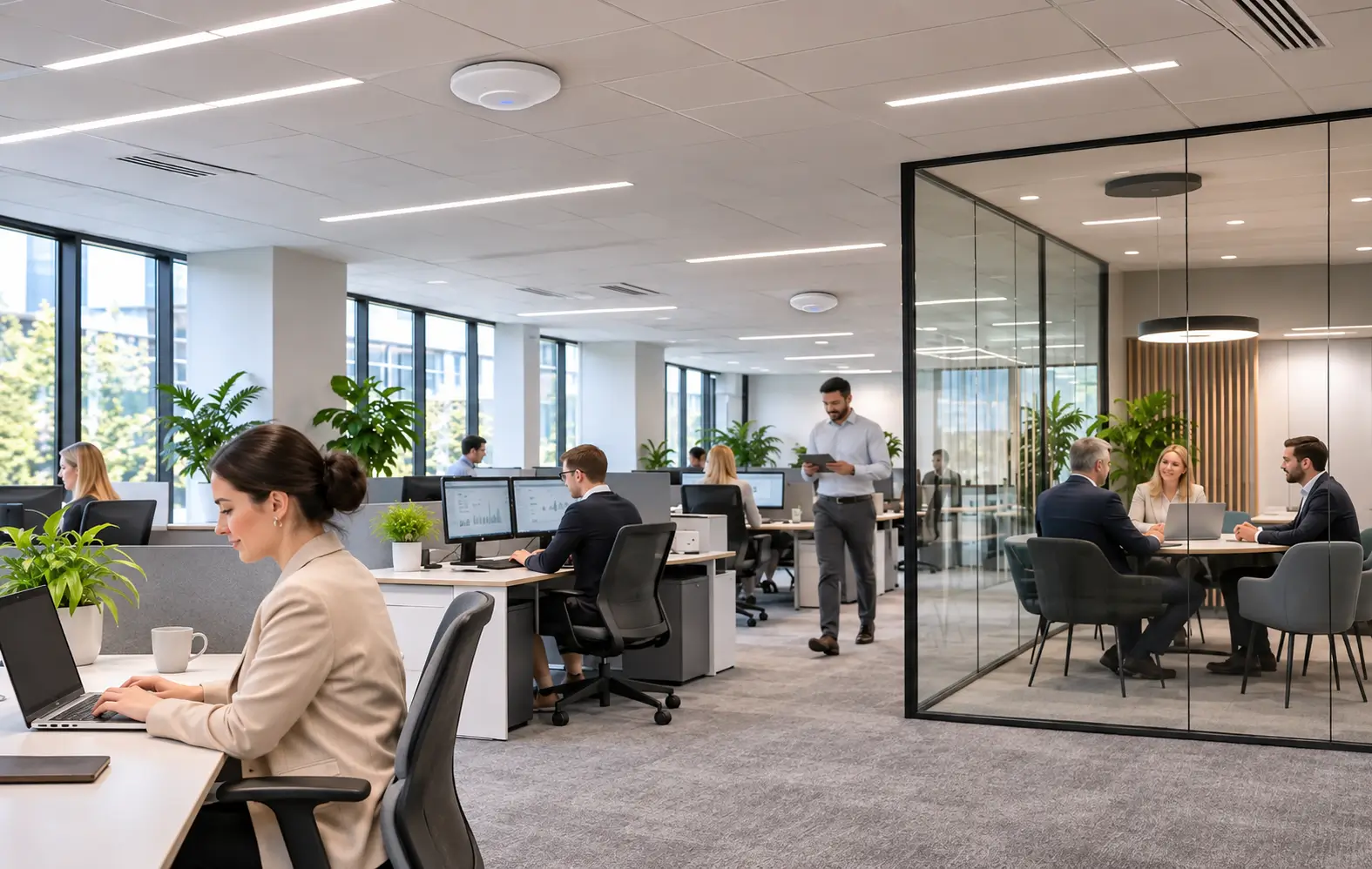
Putting in enough access points only works if they are not shouting over each other. Two access points on the same channel within range interfere, a problem called co-channel interference, and it drags down the very capacity the extra AP was meant to add.
Good design assigns channels so that neighbours, including above and below on multiple floors, use different ones, and turns power down where APs are close so each covers a tighter cell. The 2.4 GHz band is the constraint here, because it has so few non-overlapping channels, which is another reason dense designs lean on 5 and 6 GHz.
What about wired backhaul and cabling?
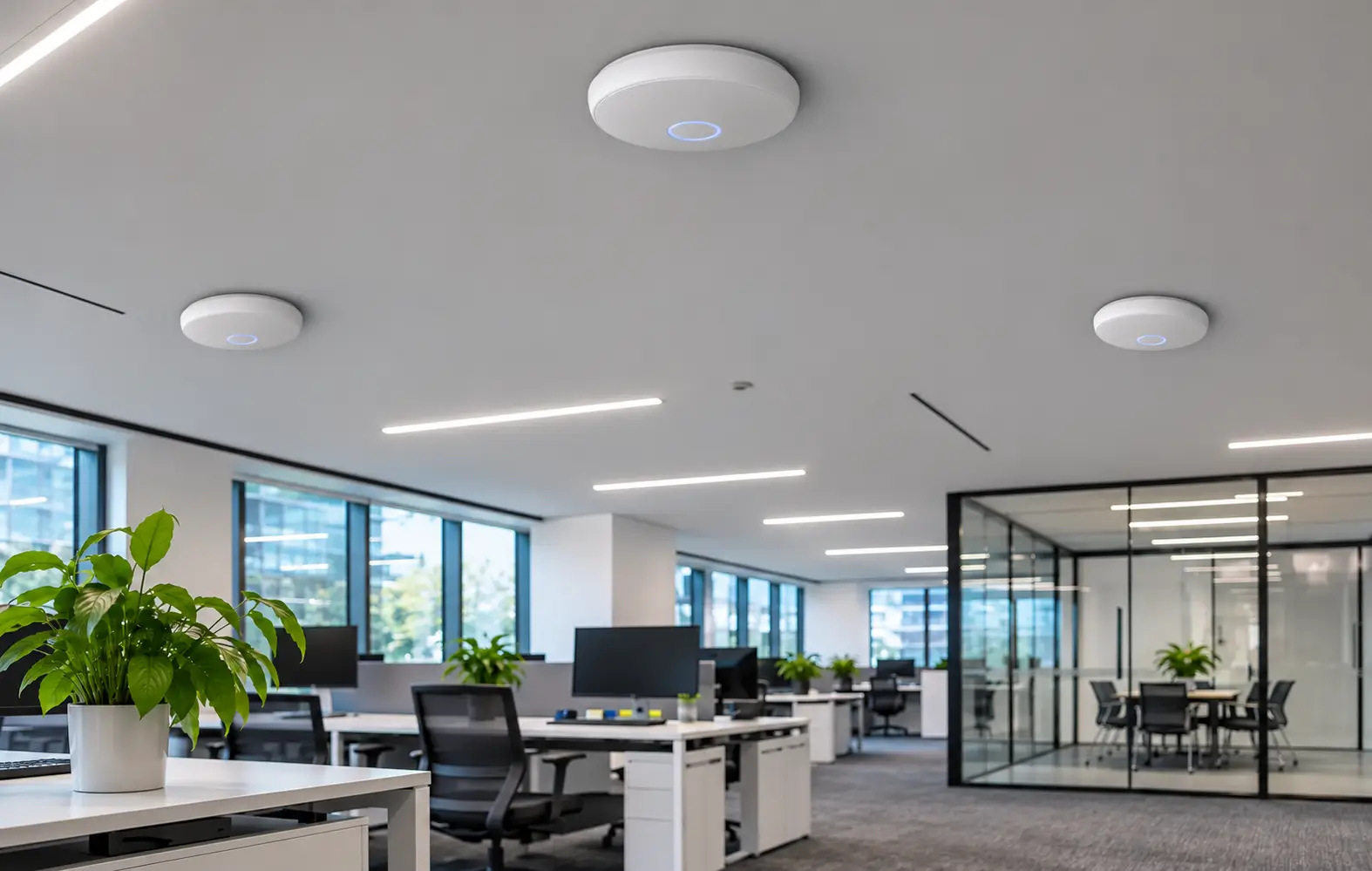
Every access point needs a wired connection back to the network, and that cable carries both the data and, usually, the power. Under-provisioning it wastes the wireless capacity.
- 01Run a dedicated cable to each access point, sized for Gigabit or multi-gigabit where the APs are fast.
- 02Keep cable runs within the structured-cabling length limits so links train at full speed.
- 03Use wireless mesh backhaul only where a cable genuinely cannot be run, because it shares radio capacity.
- 04Plan the switch ports and uplinks so the combined AP traffic is not throttled at the switch.
What does that mean for the PoE budget?
Access points are usually powered over the network cable, so more access points means more Power over Ethernet load on the switch. Each access point draws power according to its class, and the switch has a total PoE budget that must cover every connected access point at once, not just the port count. The Ethernet Alliance overview of IEEE 802.3bt sets out the power classes in detail.
| PoE standard | Power at the device (approx) | Typical use |
|---|---|---|
| 802.3af (PoE) | ~12.9 W | Basic APs, phones |
| 802.3at (PoE+) | ~25 W | Most Wi-Fi 6 access points |
| 802.3bt (PoE++) | ~51 to 71 W | High-performance / multi-radio APs |
Match the switch PoE budget to the sum of all AP draws at once, and leave headroom for future APs.
How do I design it properly?
- 01Estimate peak concurrent devices per area, not just floor size.
- 02Set a users-per-AP target for the venue type and divide to get the count.
- 03Plan channels and power so neighbouring APs do not interfere, leaning on 5 and 6 GHz.
- 04Provide wired backhaul and a PoE budget to power them all, and confirm with a wireless survey, predictive first and on-site where the stakes are high.
Important information
The figures on this page are density-led planning guides, not fixed rules. Building materials, device mix and how people use the space all change the result, so confirm access point counts, placement and PoE budgets with a wireless survey for the specific venue.
Wireless access point FAQs
How many devices can one access point handle?
How many access points does an office need?
Why is my Wi-Fi slow when there is full signal?
Does channel planning matter for access points?
How much power do access points need?
Designing wireless for a venue?
Peats can help plan access point density, channel layout and the supporting switching for your space, from the first device count to the PoE budget.